Title here
Summary here
The onboard WS2812 RGB LED (on pin GP16) shows the adapter’s current status at a glance.
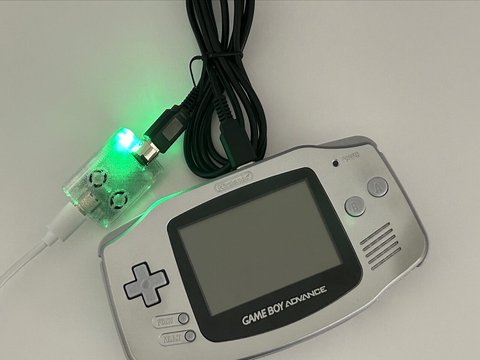
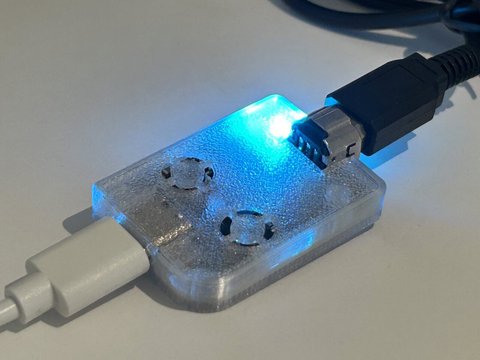
| Color | Status |
|---|---|
| Red | Power — device is on, no data connection |
| Green | Connected — USB connected to host |
| Yellow | GBA Mode — Game Boy Advance link active |
| Blue | GB/GBC Mode — Game Boy or Game Boy Color link active |
| Purple | Printer Mode — Game Boy Printer emulation active |
You can customize per-mode LED colors from the launcher:
| Slot | Mode |
|---|---|
| 0 | Idle |
| 1 | GBA / Celio |
| 2 | GB / GBC |
| 3 | Printer |
| 4 | Advance Wars |
Colors are full 0–255 RGB. On a WS2812 LED, the magnitude also controls brightness.
Use the launcher’s reset option, or send the ResetLedColors USB command (0x47) to restore built-in defaults. See the
USB Command Protocol for developer details.