Save Game Boy Camera photos and other printer output as image files on your computer — no physical Game Boy Printer needed.
Web client: printer.gblink.io
Supported games#
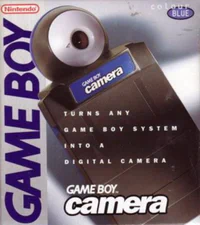 Game Boy Camera
What you can do#
- Print Game Boy Camera photos to your screen
- Save printer output as image files
- Works with other printer-compatible Game Boy and Game Boy Color titles
Requirements#
- Game Boy or Game Boy Color (or GBA for compatible titles)
- Game Boy Camera or any game with printer support
- GB-Link adapter with link cable
- Chrome or Firefox
How to play#
- Insert your cartridge and power on the console.
- Open printer.gblink.io
and connect your adapter.
- Trigger a print from in-game (e.g., print a photo in Game Boy Camera).
The LED turns purple when printer emulation is active.
Tips#
- Printer mode uses bit-bang SPI slave emulation in the firmware.
- Output images can be saved directly from the web client.
For firmware details, see
Supported Modes in the
Developers section.